Addon
Pendant Shape Maker
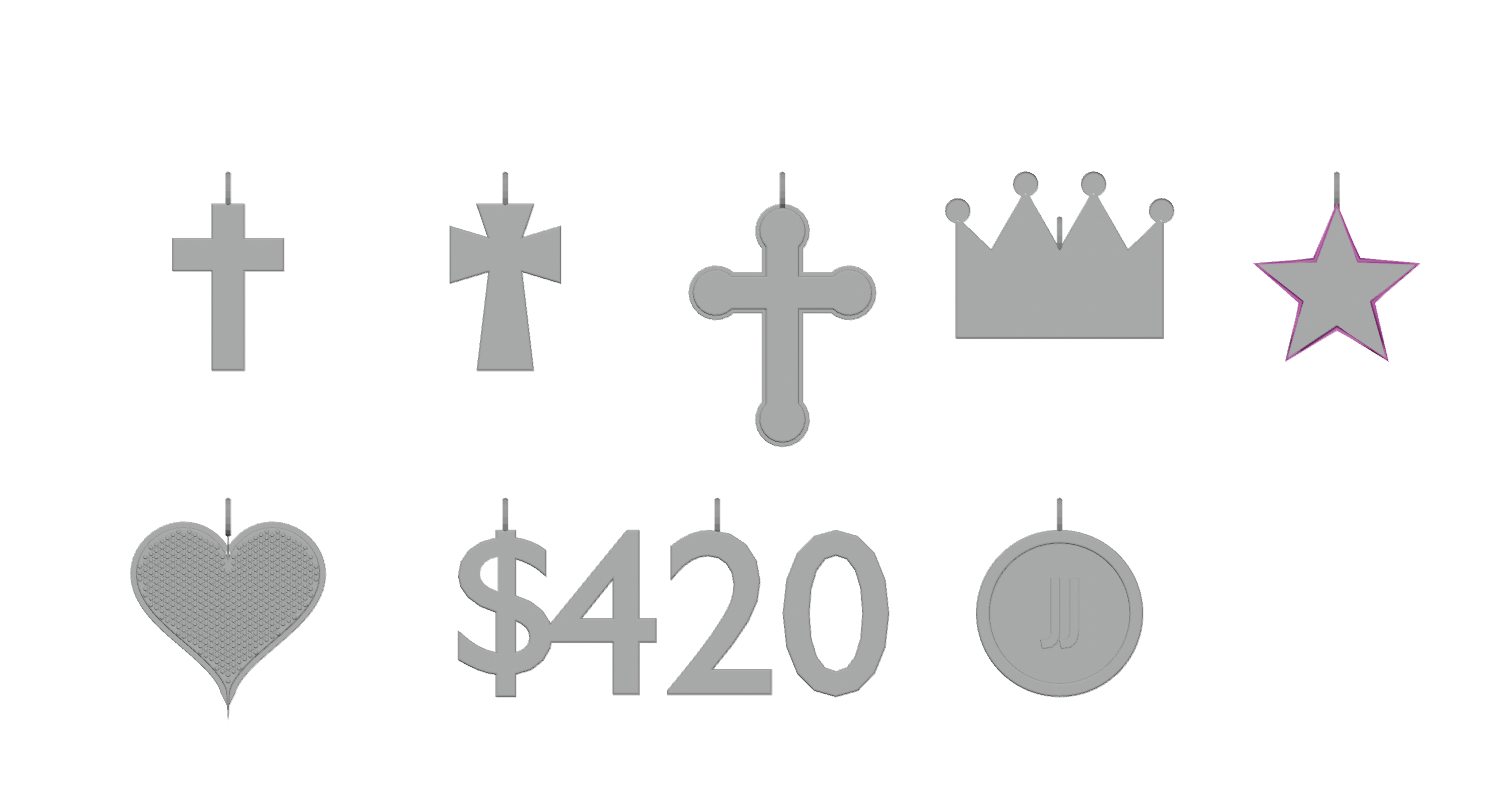
Crosses, crowns, stars, hearts, dollar signs, letters, medallions and Jesus-piece frames, with a bail, ready to ice out.
Build pendants from settings instead of modelling them: pick a shape, set its size, thickness, bevel and frame, and you get a clean, weighted pendant with a bail. Panel: N panel › Pendants.
It works on its own. With the Stone Setter, Glow & LED Maker or Chain Builder installed, their buttons appear under Next.
Quick start
Pick a shape
Choose a Shape and its options, then press Build Pendant. It appears at the 3D cursor.
Tweak it
Change any setting: the selected pendant rebuilds straight away (Live Update).
Next
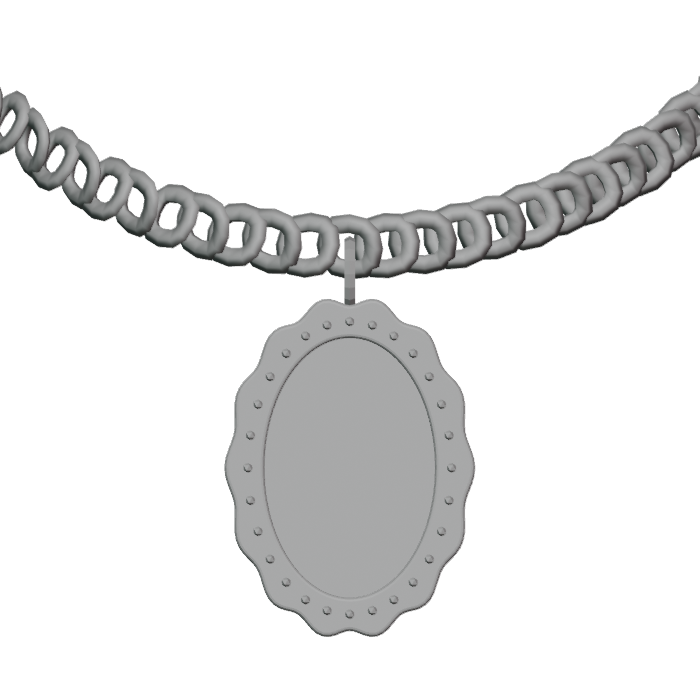
Ice It Out, Glow Edge or Hang on Chain.
Shapes
Settings
- Height (mm): the size of the shape without the bail. Thickness and Bevel (rounded edges).
- Frame Border (mm): a second, wider layer behind the shape for a framed or stepped look, in the same metal or a different Frame Metal. For medallions and the Jesus piece this is the rim width.
- Metal: JoKeR Gold, Silver or Chrome (real Sollumz shaders, bundled).
- Detail: Low / Medium / High. The panel shows the triangle count.
- Bail and Bail Size: the loop at the top that the chain goes through. The pendant's origin is the top of the bail, so it hangs from there.
Every pendant is weighted to SKEL_Spine3 and has UVMap 0 (the front is mapped flat, great for diamond
sheets), Color 1 (JoKeR Pink or white) and Color 2.
Next buttons
Finish the shape first
Rebuilding the pendant changes its faces, which removes stones or glow. Get the shape right, then ice or glow it.